You know, a cradle can be the greatest thing on earth. It can also cost you days. A few days ago, when I was trying to determine just how weak the power supply in my HP Franken-Z, it cost me days.
The machine is running Linux Mint Mate edition. When I tried to stick in the NVS video card it couldn’t get powered on far enough to show me the logo screen. Just kept re-booting, well, trying to.
First thought is “Oh! I’ll shrink this 6TB partition, back it up, then restore it onto a 2TB SSD.” Yeah, I’ve been warned about thinking before. True to form the Gnome Disks utility gagged trying to resize the partition. It also spit up the warning that it needed to be hooked up to a Windows machine, running chkdsk on it twice.
“Oh! I’ll just pull the drive, install the SSD, then copy the stuff from the 6TB stuck into my cradle.” Yeah, some day I’ll be smart enough to listen to the warnings about thinking.
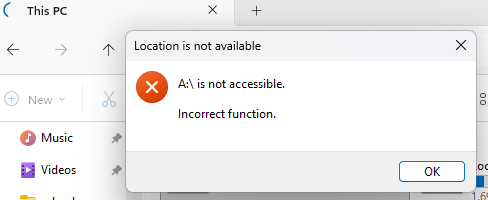
Drive shows up as 2.2 TB
You know, I lived through the 2TB drive limit era. I should have known better. Problem was the partition resizing had gagged so I believed there was just a software tweak needed. I even ran testdisk on the drive overnight. Found almost nothing.
Bought that cradle years ago. Need to swap a hard drive in my uncle’s notebook. I was happy to have the excuse to buy one. This was when GPT partitioning was just finding its way into the wild. Never had reason to put more than a 2TB drive in it until now.
The 512-byte Sector Limit
If you are shopping for a new cradle today make certain you check the maximum drive size supported by the cradle. Some being sold still have 2TB limits. Others max out at 6TB. A few of the nicer ones max out at 16TB. These, of course, aren’t the cheap ones.