When something seems to good to be true, it usually is. antiX 26 had a spin that provides both the 5.10 kernel and the current kernel. It’s a full current distro. What could possibly go wrong?
New Machine
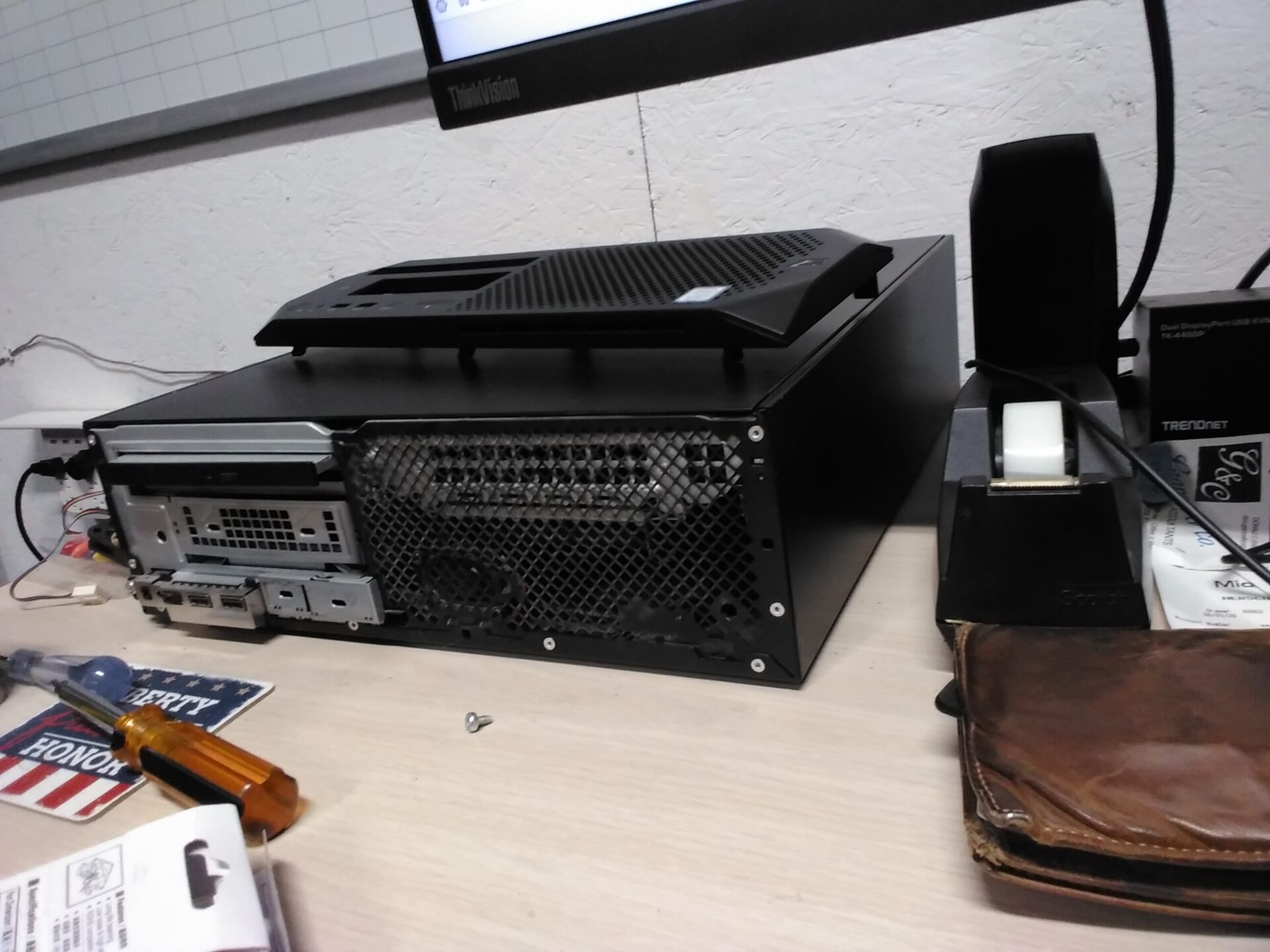
The ancient AMD Athalon machine is humming along nicely trying to cure cancer, Ebola, and other nastiness. The next machine in the BOINC rack had been just using the pathetic Intel GPU from the motherboard under Debian 13 Mate. It’s an HP EliteDesk 800 G2. Has a gen-6 i7 and 24GB of RAM.
I pulled an NVS 510 out of my spare parts drawer along with mini-DisplayPort to VGA adapter cable. My KVM over there is USB and VGA. Plugged the monitor into the NVS 510.
Media
I downloaded the antiX-26_x64-full ISO and dutifully burned both a DVD and a thumb drive. Why? You would be surprised just how much you can fix with distro packaging just by booting from a DVD instead of a thumb drive. I burned both of these on an MX Linux machine. Did not try Rufus. Rufus can fix a really bad ISO (UEFI only) ISO file.
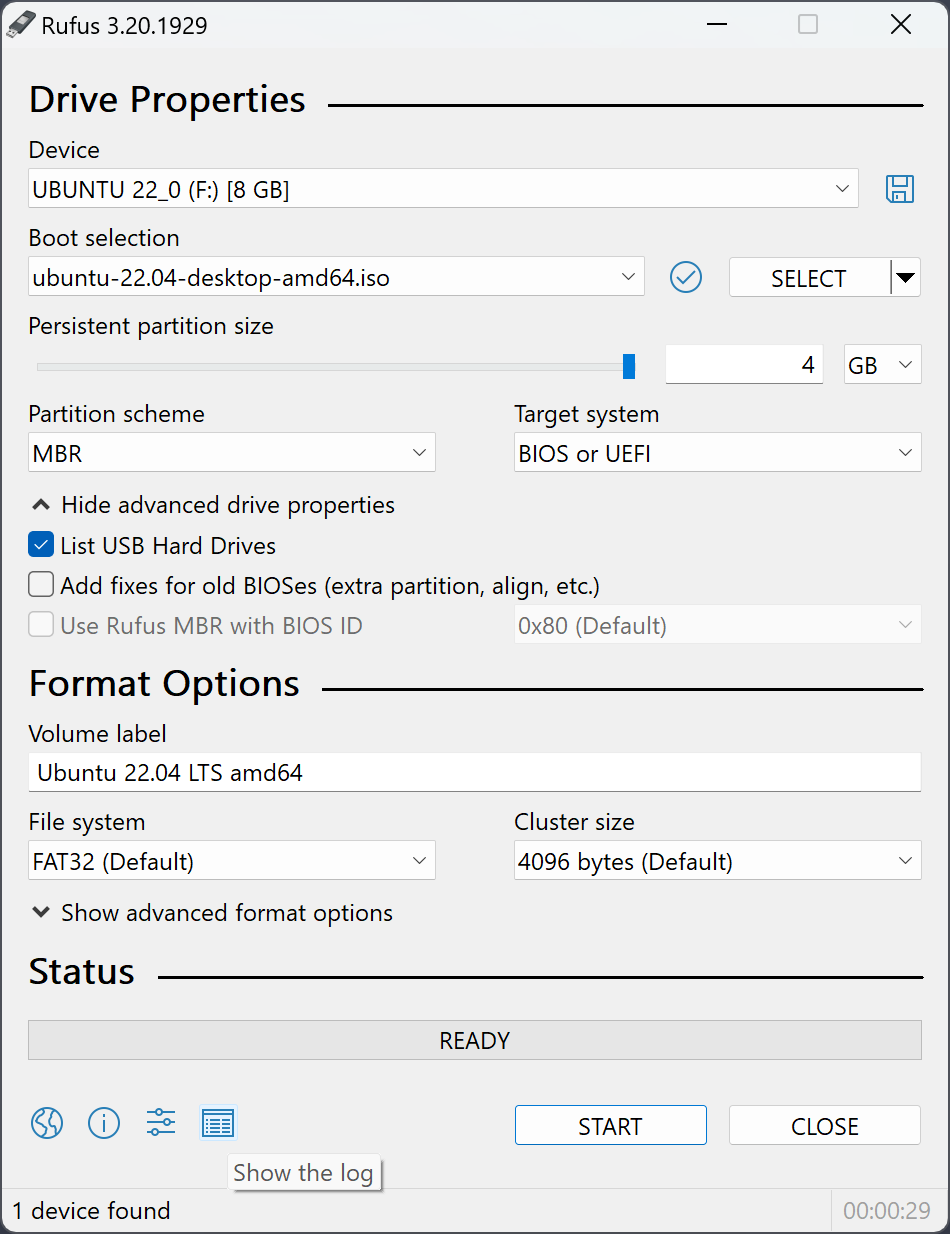
The thumb drive had that problem. I suspect it was the ISO packaging and not the MX Linux utility that I’ve used to burn other bootable thumb drives, but did not dig.
First Try
The thumb drive boot gave me pause.
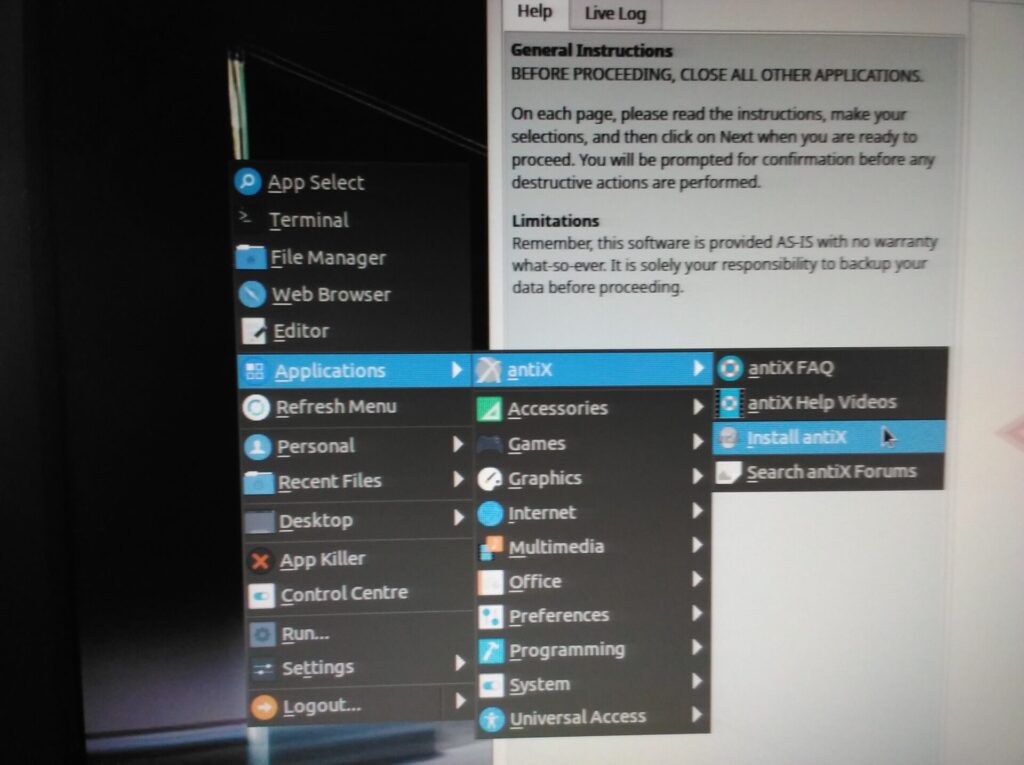
Only way I could install was navigating via the right mouse button menu. Keep in mind I had the NVS 510 card installed because I didn’t want to go through a 12-step program getting it to work. Made it through the install. Rebooted and immediately went to 5.10 kernel.
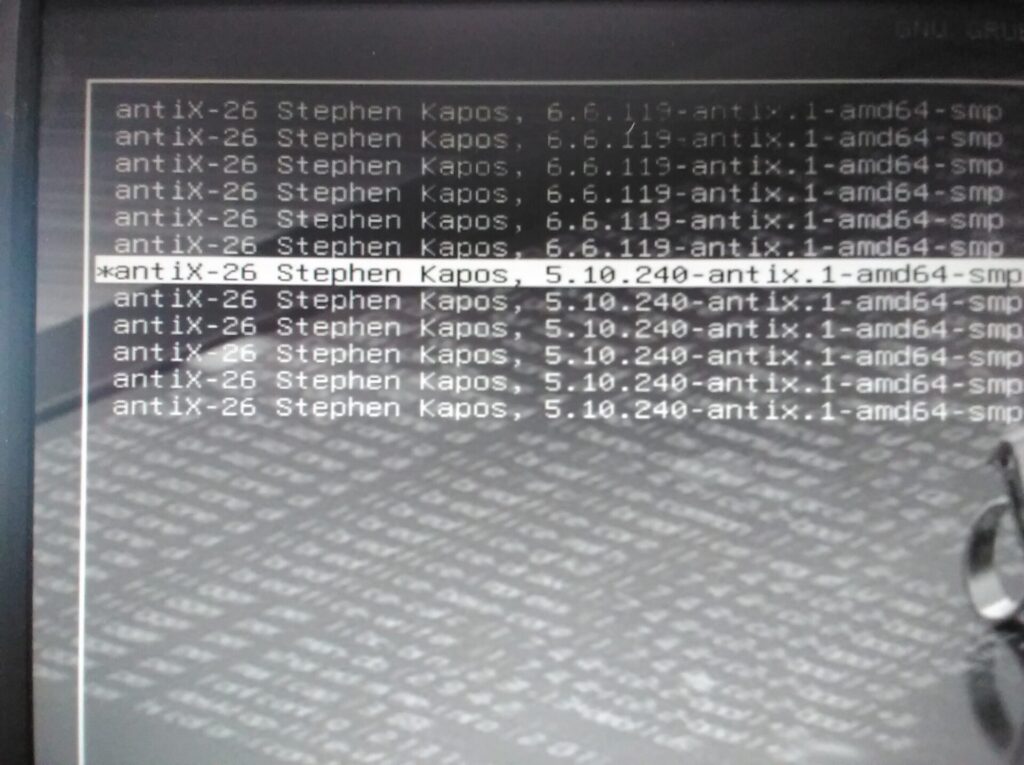
Navigated to the NVidia installer under the misguided assumption it would be smart enough to only install for the currently running kernel. Is that what happened? Noooooo. Tried to build against 6.6, failed install, did not sweep up behind itself. A reboot gets you to that lovely infinite crashing of X server then restarting.
The NVidia Driver Installer Has an Identity Problem
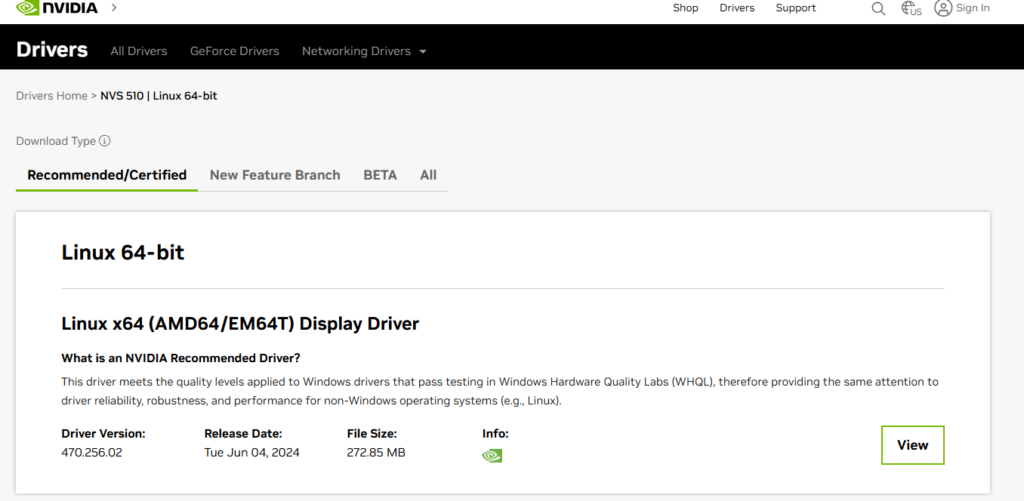
It insisted that I needed to install 340 driver with Bumblebee. This is not correct. It appears to ASS-U-ME one wants to use both GPU without asking. 340 ain’t even close to the correct driver.
Try DVD
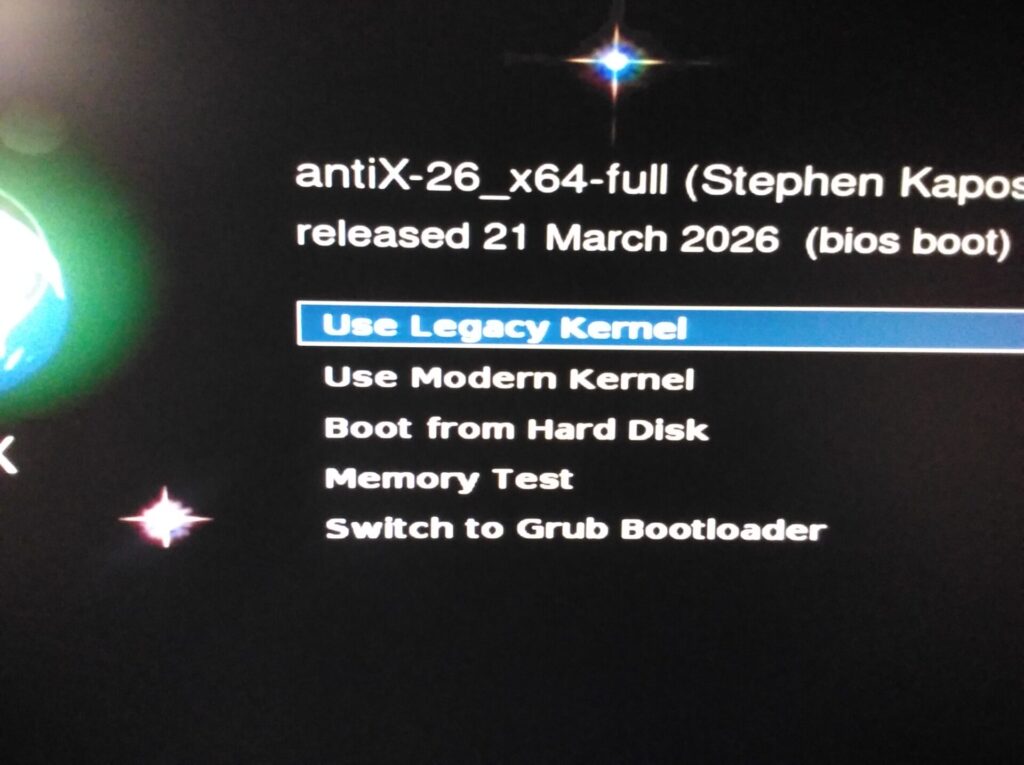
Booting from a DVD gives you options.
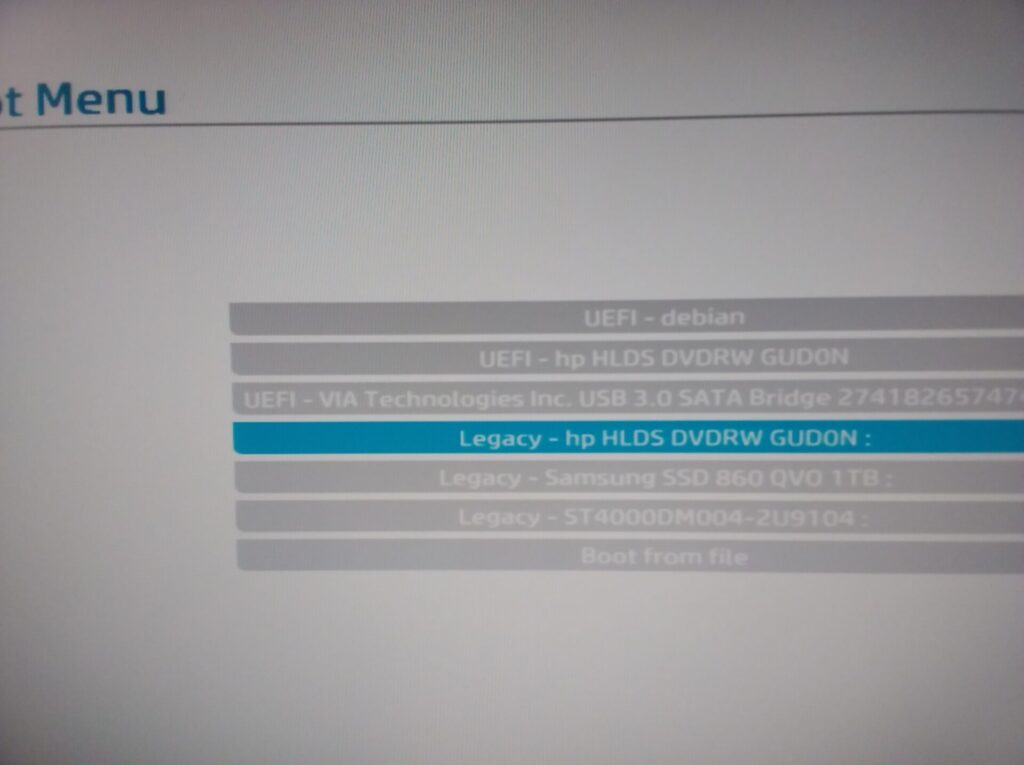
The way the ISO burned to the thumb drive, I didn’t have that option.
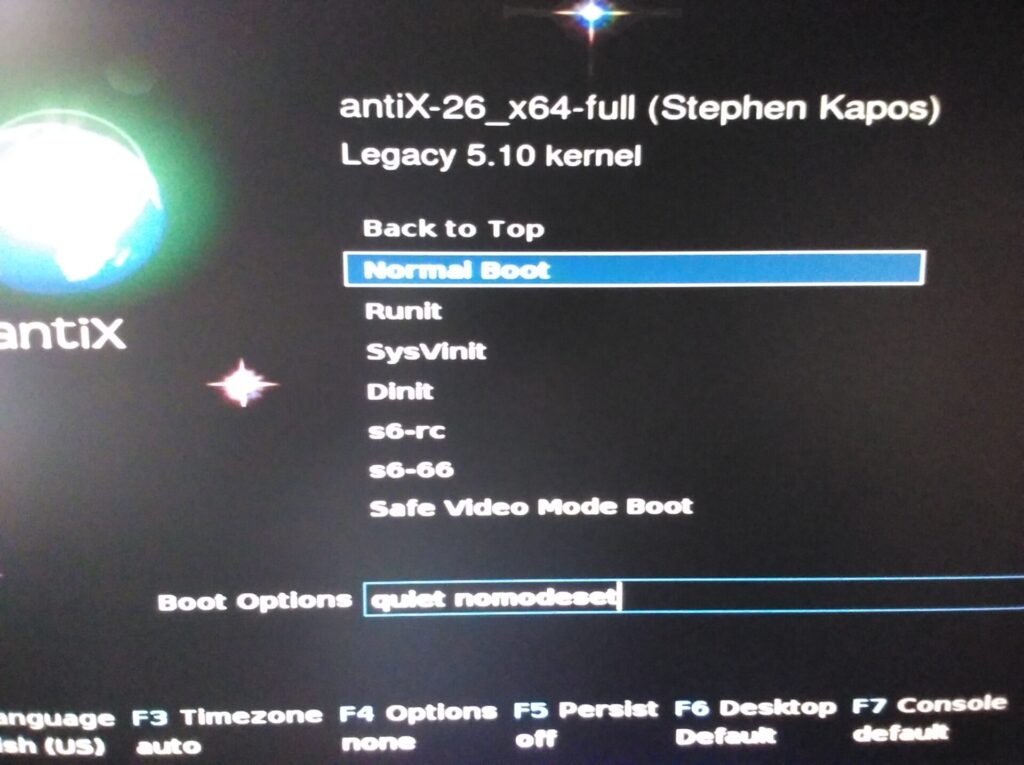
After a few spectacular failures I managed to actually set nomodeset. First few boots it would not let me access that field. Thumping the F4 key seemed to free up access to the field.
Got all the way through the install. No boot device found on restart. A BIOS boot that didn’t install grub!
Yes, I could have dug out an old grub-repair CD but it wouldn’t be the same grub. Yes, I could have monkey-shaft it from the “Live” disk, but, you really shouldn’t have to hack a fresh install just to make it boot.
I ran this install multiple times. Even went so far as to turn of UEFI.
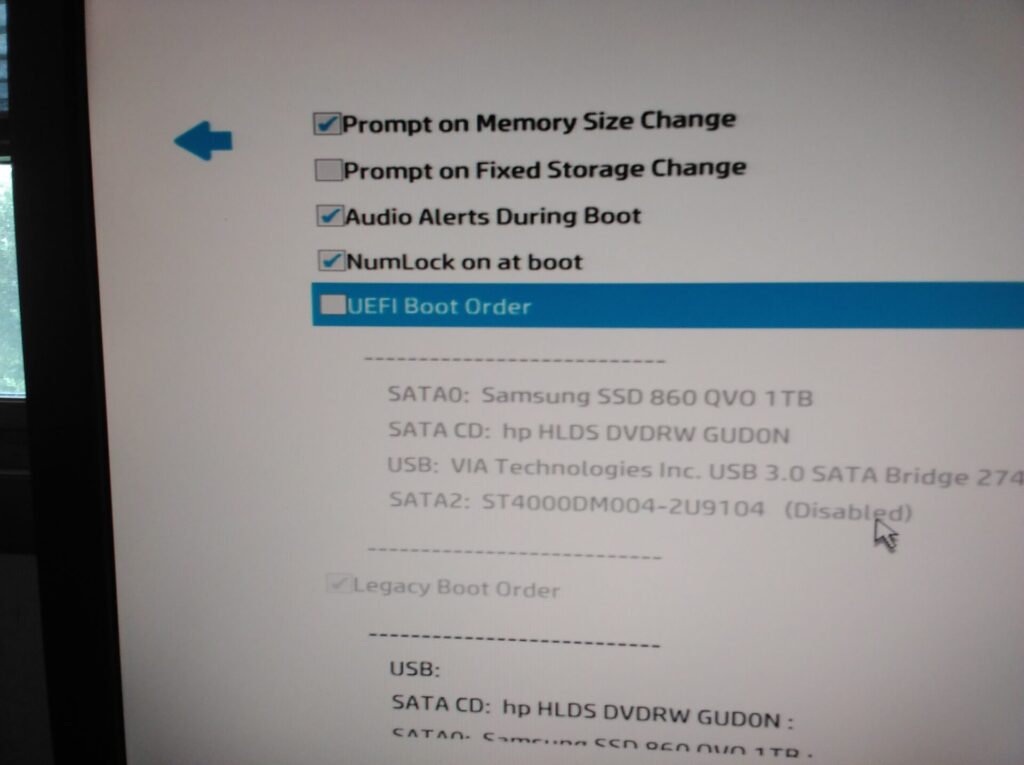
No love, with or without glove.
Back to the thumb drive
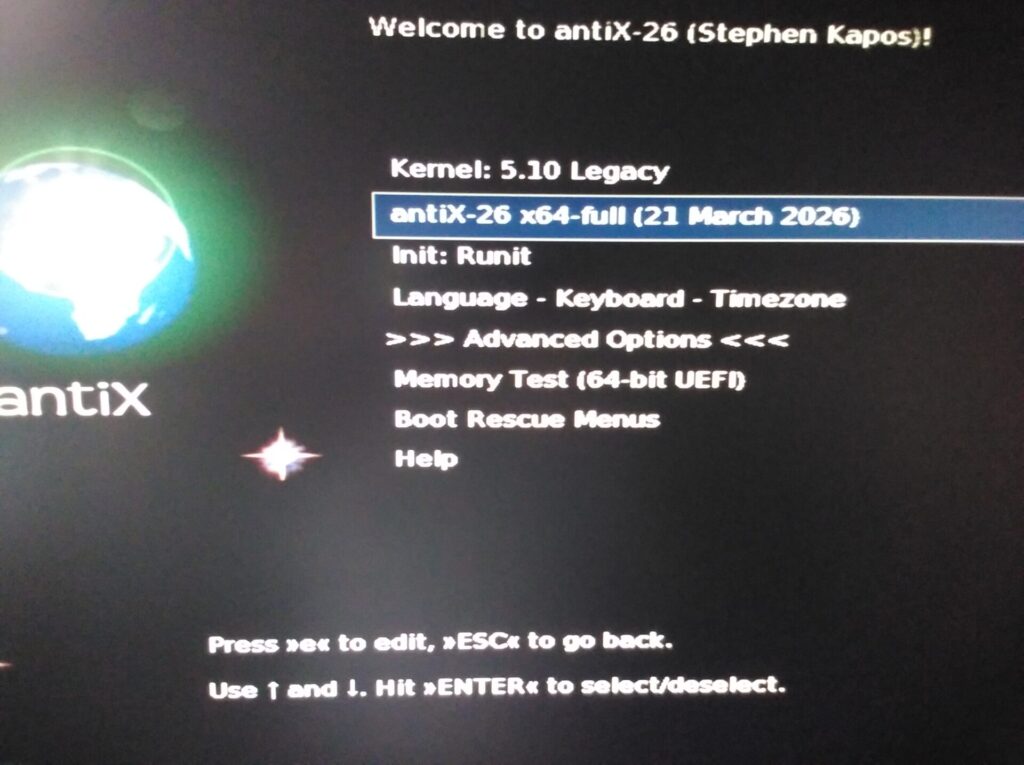
Desperation means trying the back door of the back door. Install the full 6.x kernel using Open-Source drivers, then boot the old kernel and nuke the 6.x kernel. After that, install the Nvidia drivers.
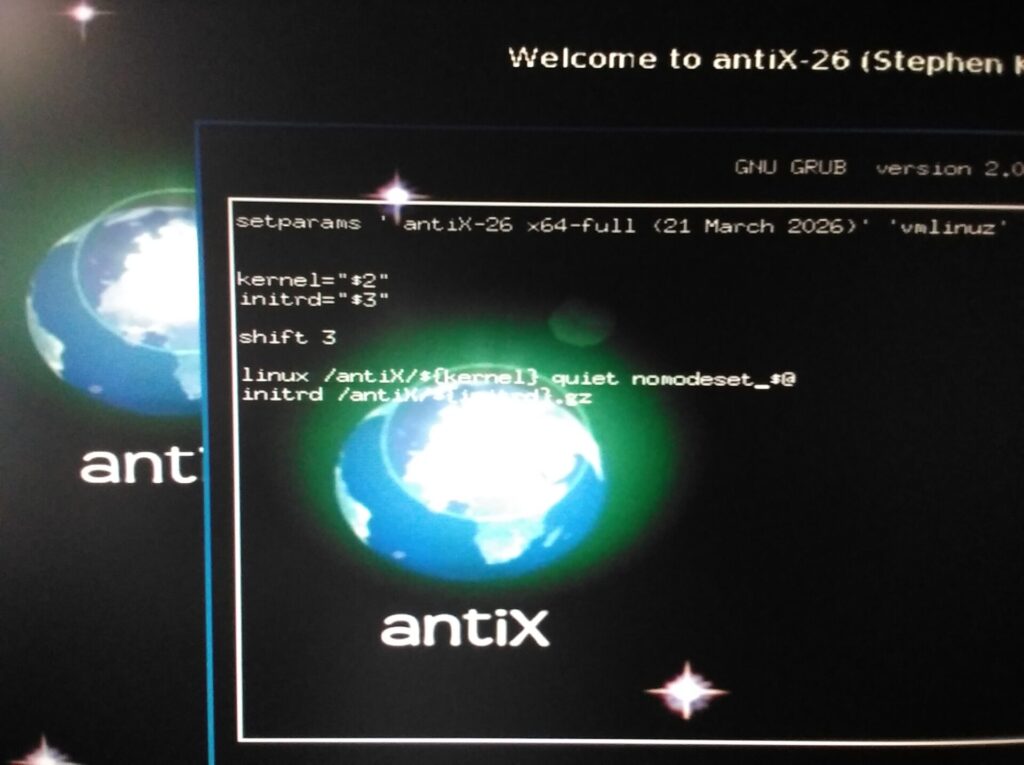
You have to hit the ‘e‘ key before booting and add nomodeset to the following line.
The icons are actually on the live desktop now.
After you complete the install, quickly arrow down to old kernel in the grub menu.
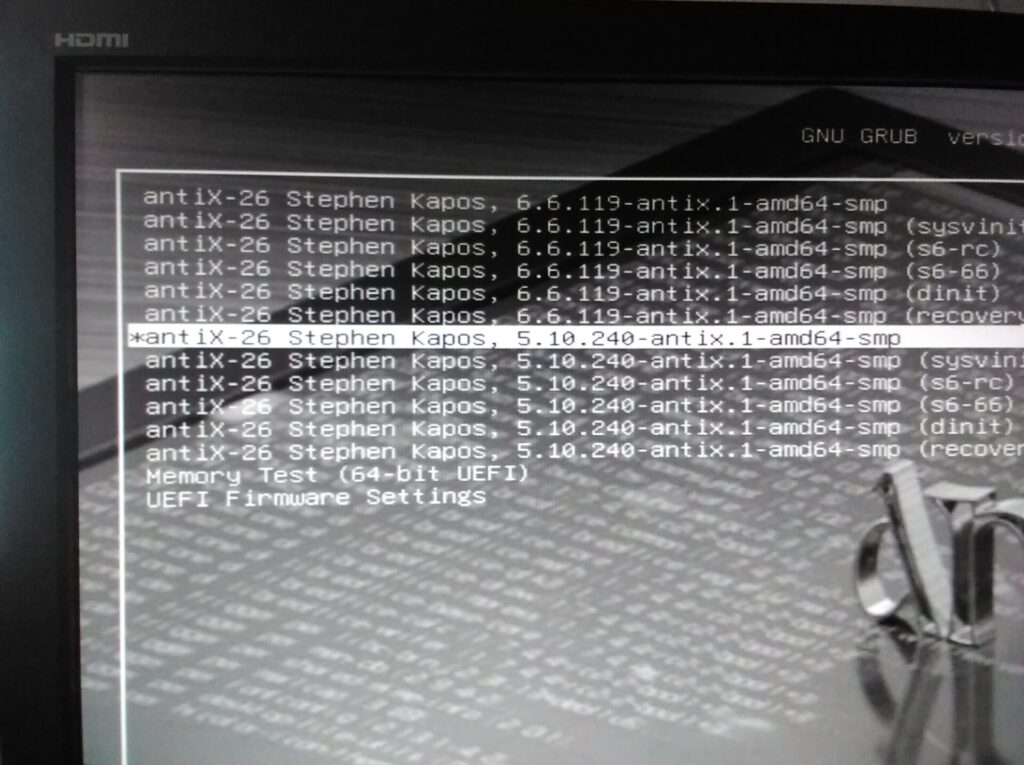
sudo apt remove linux-image-6.6.119-antix.1-amd64-smp linux-headers-6.6.119-antix.1-amd64-smp
reboot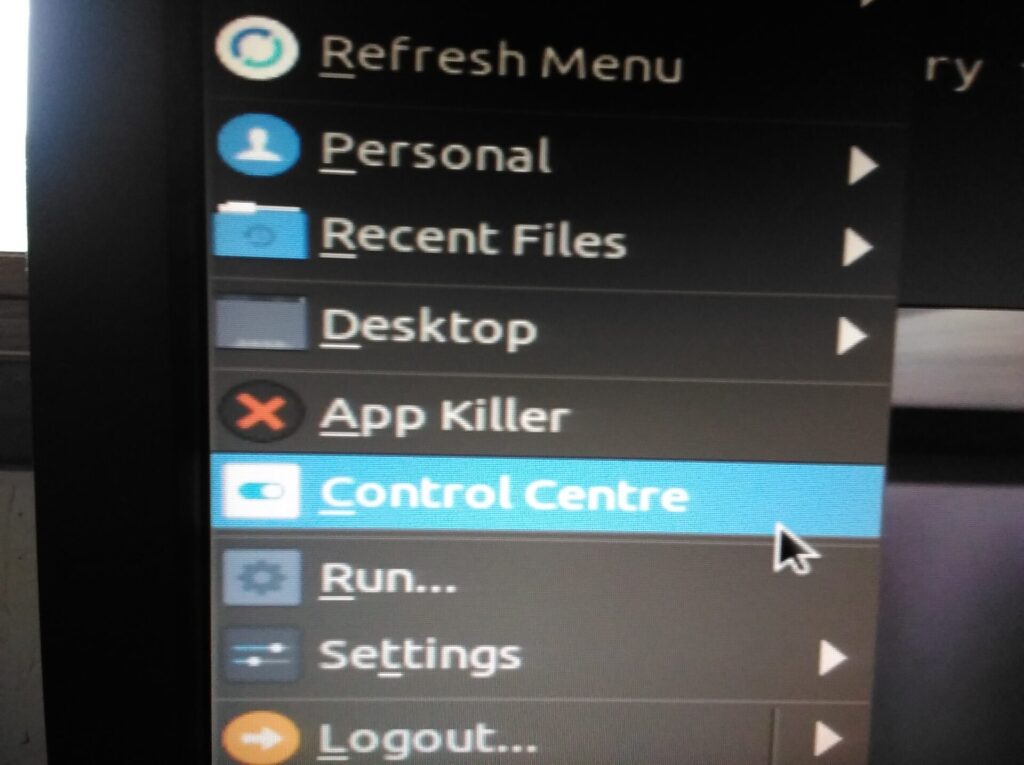
This thing still doesn’t work because it insists on installing 340 with Bumblebee.
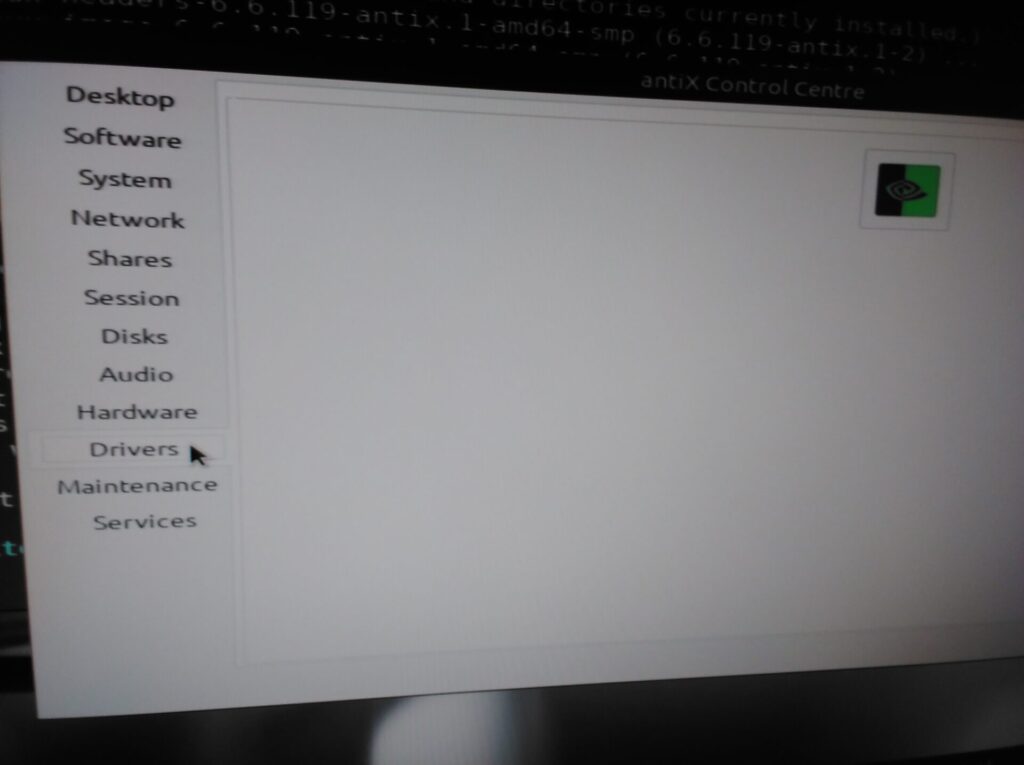
Doesn’t ask you, just decides for you. Adding insult to injury, running the same command in a terminal doesn’t give any better options.
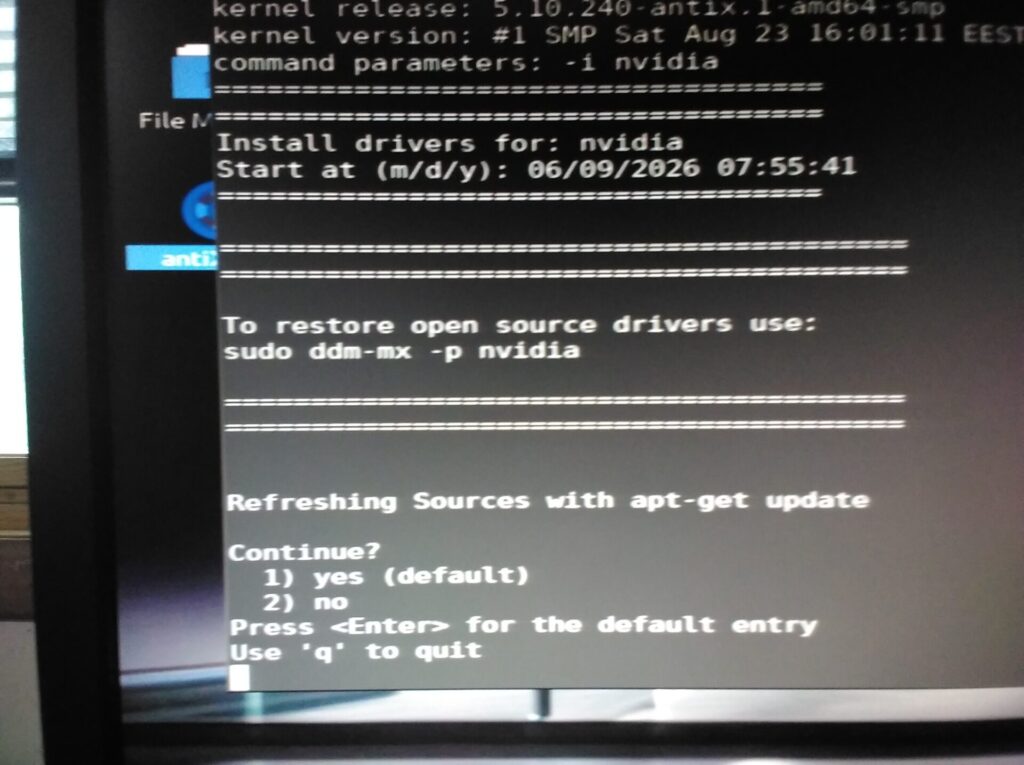
Lots of wasted time trying to make this work.
Just Get Them From Nvidia!
If you’ve been around computers very long you will know that every distro tells you not to get the drivers directly from Nvidia. You will also know that most distros totally hose their Nvidia support so you have to pull the drivers down from Nvidia.
sudo dpkg --add-architecture i386 && sudo apt update
sudo apt-get upgrade

sudo apt-get install linux-headers-$(uname -r)
sudo apt-get install build-essential dkms libglfw3-dev pkg-config libglvnd-dev

sudo nano /etc/modprobe.d/blacklist-nvidia-nouveau.confAdd the following two lines to the .conf file you are editing.
blacklist nouveau
options nouveau modeset=0Change to the directory where you downloaded and chmod +x the .run file of your choice.
sudo update-initramfs -u
sudo nano /etc/inittabChange the 5 in the following line to a 3 because that is how you boot to terminal instead of GUI desktop everywhere.
# The default runlevel.
id:3:initdefault:
exit, save, and reboot.
Consider yourself screwed. The GUI came up. Thank you sir may I have another.
Reboot.
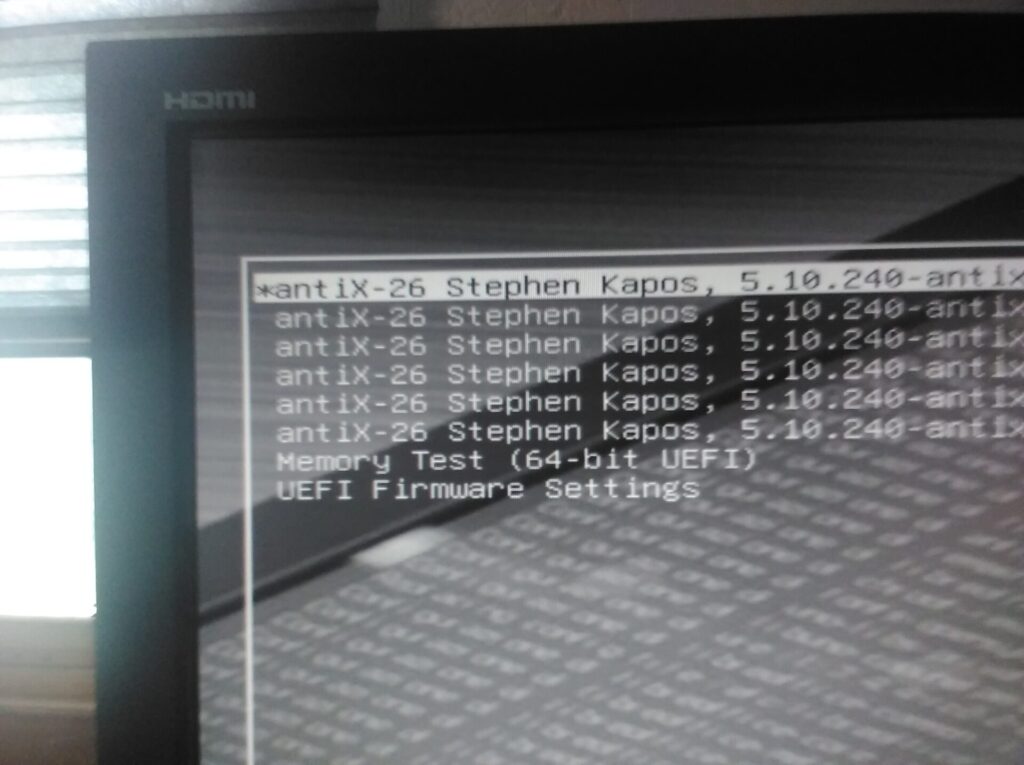
Hit the ‘e‘ to edit. Add the 3 on this line because that also works everywhere, right?
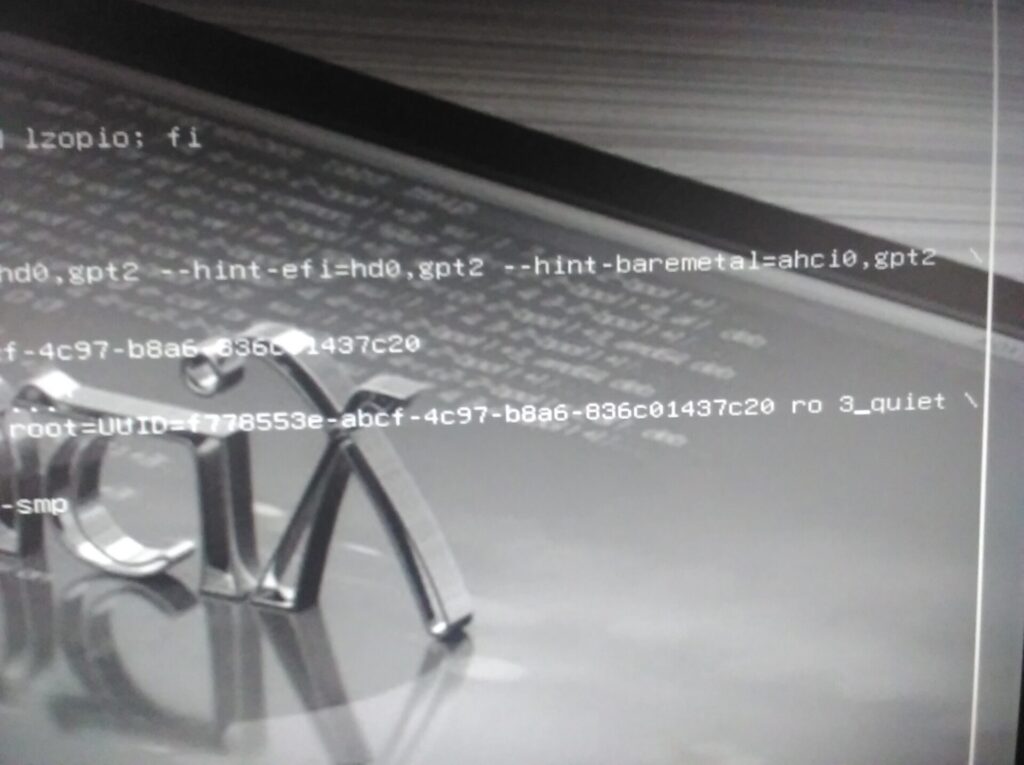
That is not an underscore after the 3, it’s the cursor. This is the time honored method of changing the run level for a single boot. It works for Debian 13 because I had Debian 13 on this very machine. No love, with or without glove.
I didn’t try the RHEL hack for this because we are supposedly Debian based here.
The ever correct <cough><cough><hack><hack> Google AI tells you to stop lightdm or slim, neither of which are there.
Summary
It should not surprise anyone that I just installed Manjaro. I’m certain the antiX maintainers and fans will claim I should have known the super secret expert-friendly handshake to get to terminal mode. To that I say kernel parameters should always work.
There are an ocean of old Nvidia cards with perfectly functioning CUDA cores. Many non-technical people are looking for Linux distros to support them so they can have an old machine run BOINC. Some of these people are scientists and researchers who work for places that actually utilize BOINC to crunch numbers for them.
As it stands right now, Manjaro is the viable distribution. Well, Arch should be too, just that most people cannot tolerate Arch. That’s why Manjaro got created, so there could be a humane version of Arch. Unless the non-geek users find this post though, they probably won’t figure it out.
Could I have poked around in their repos to find and possibly install the 470 driver? Probably. Here’s what decades in the field have taught me though. Distros that create an Nvidia installation program tend to never have the dependency logic correct in their packages. All of the dependency logic tends to be in that installer.
Here is a list of other Arch based distributions. KaOS used to be a pain in the ass. Primarily because they use KDE and its forever corrupted forever consuming 100% of the CPU PIM database. CachyOS has been reviewed here. The fish shell will not be non-geek friendly.
Linux distros in general need to drop this expert-friendly mindset. I’ve been around since we ran Linux on two 3.5 inch floppies. Despite getting GUI desktops, the kids never grew up. Despite all of the excrement I (correctly) hurl at Arch they have patched 470 to work all the way up to 7.x kernels. The 340 driver is currently patched up to 6.15. The 390 driver has been patched all the way up to 7.x.
There is a market for a Linux distro that continues to patch, test, and accurately install nvidia 340, 390, and 470 drivers, keeping in mind bumblebee was not a good experiment.