Turning off autoplay is one of the most searched topics on the Internet. The vast majority of Google Chrome based browsers either don’t have the feature or hide it. Google goes to great lengths to pump videos and ads at you. It allows them to gather your private information and place it for sale to the highest bidder.
Yes, Google will try to deny that, but, when an advertiser selects a target market of, say, 18 – 35 year old female cat owners, when you see that ad pop up out of the blue, it is because they sold your information. If you happen to be an overweight 40+ year old dude with back hair and a dog, then Google just committed fraud against their paying advertising customer. Advertisers can’t “target a specific market” unless someone sold your private, personal information. No, this isn’t the first time I’ve written about adWord fraud.
Keep in mind, if you have a crummy Internet provider like Starlink, or worse, those videos suck up your bandwidth! The poor Mofo’s stuck with the now bankrupt Hughesnet service you have a vicious data cap.
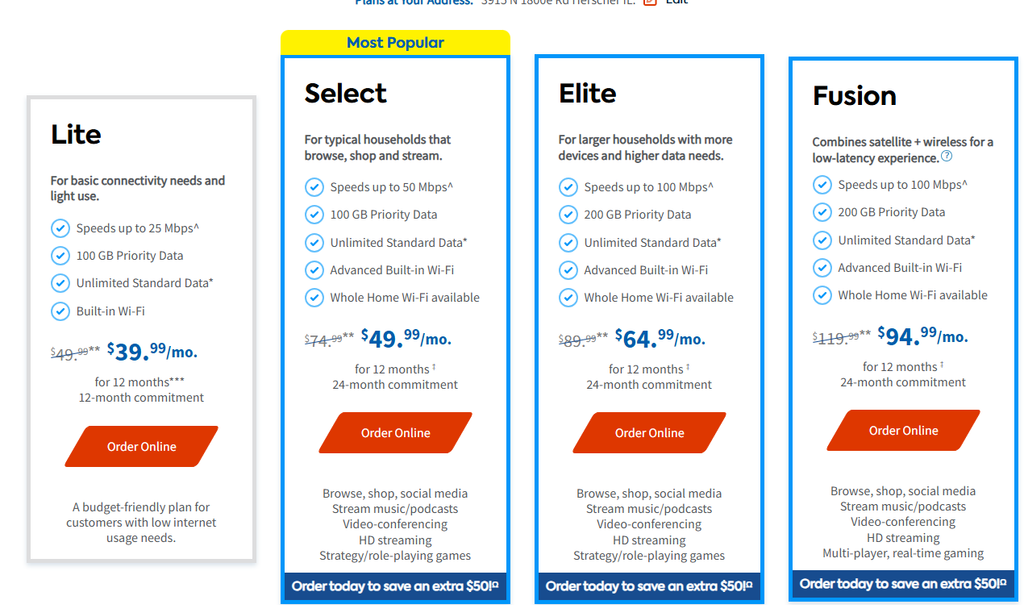
Speaking as a former HughesNet and DirectPC screwee, I can tell you that “Standard Data” is between 2-5am. That 100GB (used to be about 5GB) is per month. Here is what Brave AI says it costs to watch a movie on Roku

Don’t forget that Microsoft thinks nothing about pushing out a multi-GB Windows update. Every time your computer checks for updates that uses some of your fixed data allotment too. Hughesnet will throttle your connection speed. Viasat will make you buy more. I don’t remember if they throttle you first so you know you have to buy more.
Extensions
When you visit the Chrome Web Store and search for “autoplay” you get a seemingly never ending extension list. Most of them don’t work. They might have kinda-sorta-worked at one time, but not now. Most of the Chrome based web browsers don’t even try to block autoplay. The AI responses telling you about settings to turn it off are magic mushroom induced hallucinations.
Most, like nice looking, but sadly Windows only Comodo IceDragon, point you in the direction of extensions. When you search Settings, there is nothing for Autoplay. Brave, on the other hand, buries its autoplay setting.
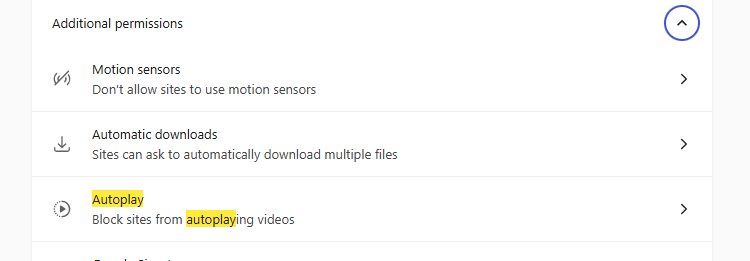
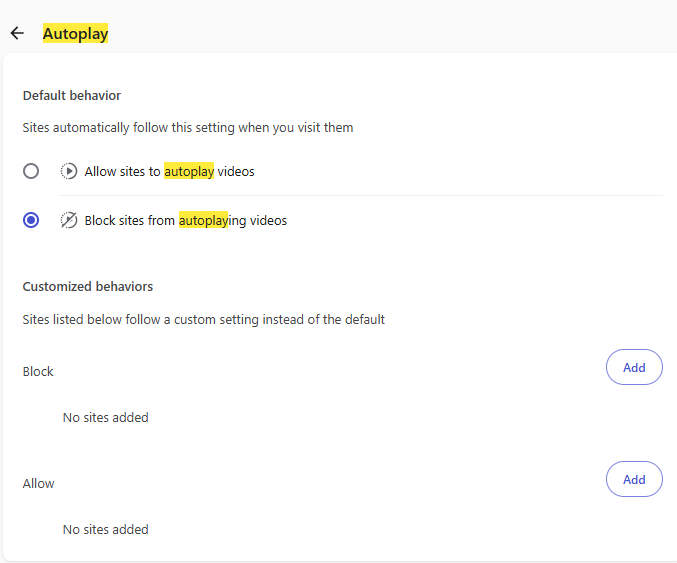
Just to be safe, I have the following two extensions.
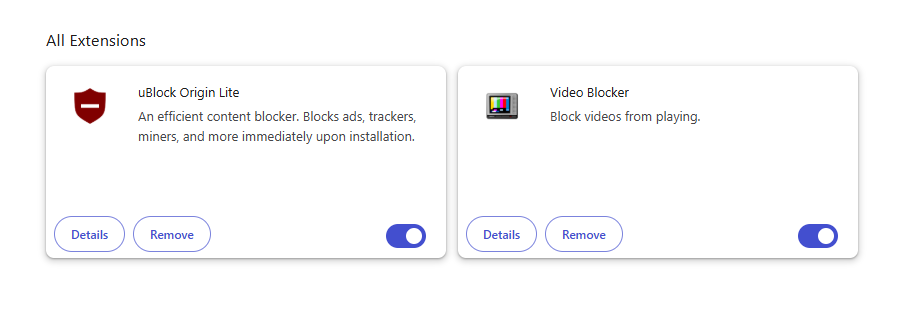
Now, when I click on a “news story” that shoves me to MSN.com or some other incessant video spewer, I get silence and no annoying video.
Firefox
The ever maligned Firefox has one feature that keeps users coming back. It disables autoplay by default. Because Firefox is so maligned (much of it deserved) you now have Firefox based browsers that fix the things people don’t like about Firefox. The best known and dare I say, most popular is LibreWolf.
The best fork is WaterFox.
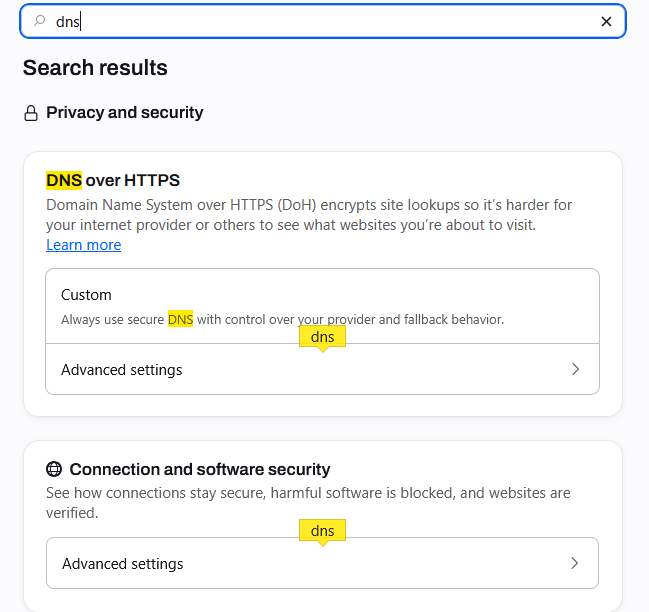
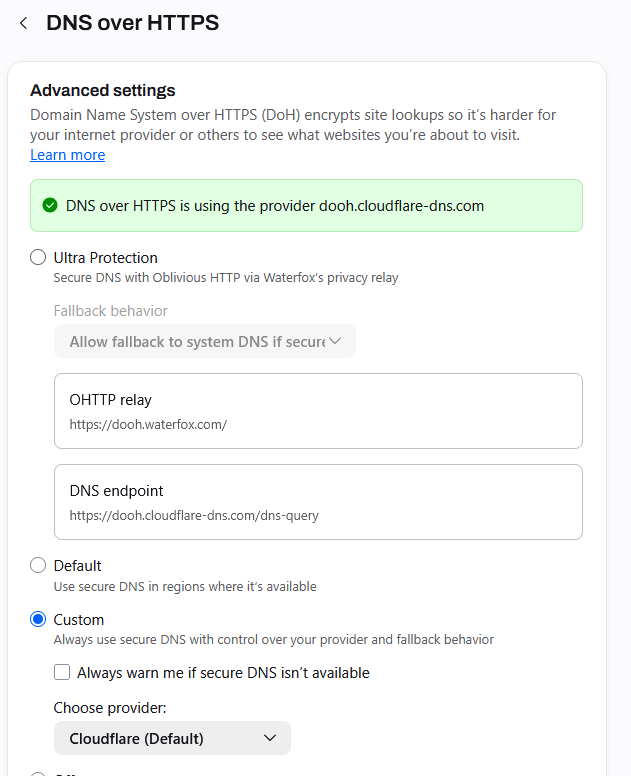
Yeah, it has built in DNS support. There are a couple of providers you can choose from. I’ve never tried their Ultra setting.
This comes at a cost though, especially with the default Cloudflare. You all know Cloudflare gets overloaded and gags.
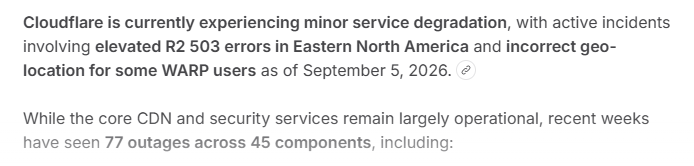
There are many times I have trouble reaching URLs I’ve gone to many times before. Cloudflare, being huge, is a target for attacks. So far there is not a reasonably priced cross platform (Windows and Linux – nobody cares about Apple!) Internet Security suite with DNS.
Summary
When it comes to turning off autoplay you are pretty much limited to Brave if you want a Chrome based browser. Comodo Dragon and Vivaldi just can’t do it.
Firefox and the fox forks do it by default. LibreWolf and Waterfox are the most popular.
Comodo IceDragon failed to actually download a FireFox based browser. When you click Extensions you go to the Chrome Web Store. Maybe this is just a site F-UP? But
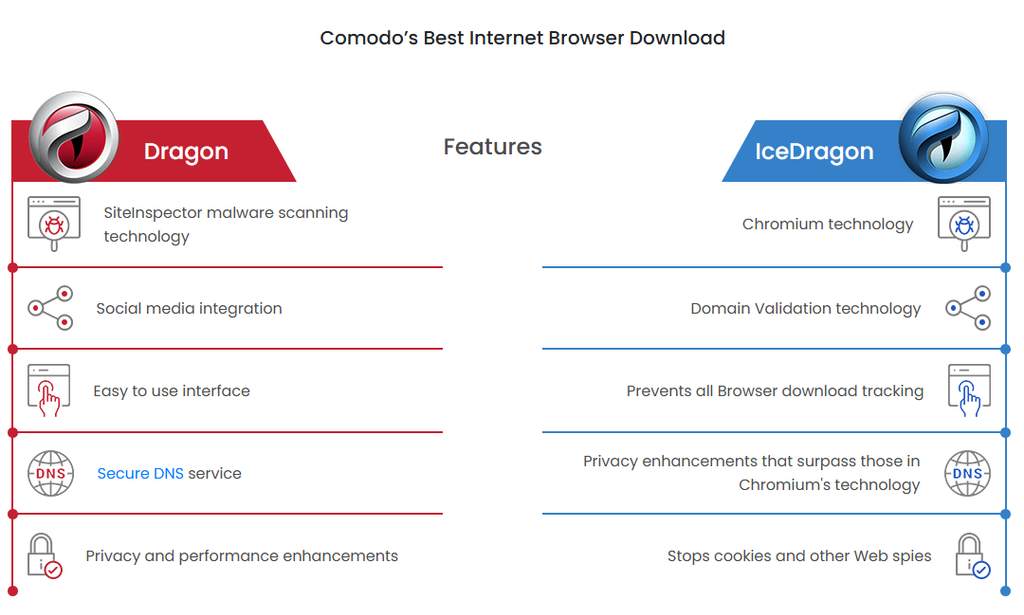
The chart says Chromium, like that is something to be proud of.
No, I didn’t talk about Opera. Quite honestly I gave up on that browser. Every time I try it I’m horribly disappointed. Mostly because it is like dropping an 8-bottom plow in the ground behind your riding lawnmore.

It is sad that Comodo doesn’t have a Linux version of their browser. Sadder still that they don’t actually have a FireFox based browser for both Windows and Linux. Why? They have a Linxu anti-spam package. What would really be great is if they had their Internet Security package for Linux as well.
Why?
Wrapping the browser inside its own virtual world is what safety is coming down to. Yes, you with draconian data limits are turning off autoplay out of absolute necessity. The rest of us are turning off autoplay because it is (&()*&)ing annoying and a major privacy/identity theft issue.
So, a FireFox based browser that disables autoplay by default, wrapped in a virtual world when it runs, complete with anonymous VPN and all kinds of antivirus on both Windows and Linux is the Holy grail. Nah, nobody cares about Apple. Let Google, FaceBook, etc. sell Apple user’s identities.