I really like MX Linux, but with Samba Shares they shot themselves in the foot. The GUI tool is nice, but they made some bad decisions. Yes, I’ve written about Samba Shares and NAS before on this blog. If developers would just quit dicking with it, adopt a single standard, and live with that, you wouldn’t need so many blog posts.

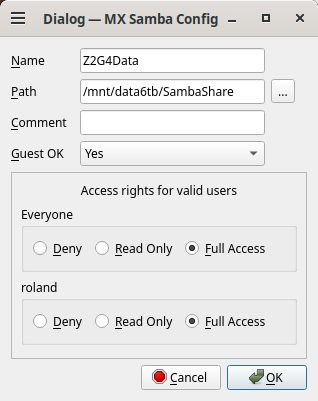
Gotta admit, the GUI tool is straight forward. You have a nice dialog for creating a Samba Share.
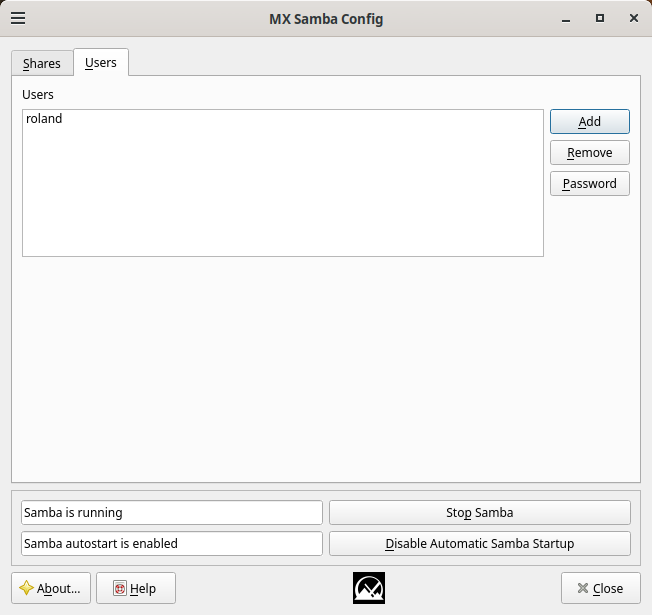
They even include a tab for users to remind you about creating Samba users. No, they don’t use your Linux user/password file. Samba has its own thing. Yes, you will probably replicate your linux username and password despite all the advice to the contrary. The reason they don’t utilize your Linux user information is the entire point of Samba Shares is to share with other users/machines. They don’t all have an account to log in on your machine, but you can collaborate in a share.

Where it Fails
Despite the rest of the known universe keeping share definitions in /etc/samba/smb.conf, the GUI tool does not. This wouldn’t be so bad, but all the documentation you find online instructs users to edit this file. Adding insult to injury, you still have to edit this file.
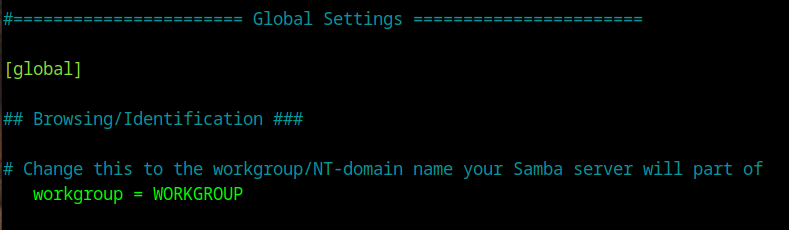
For some inexplicable reason the default workgroup is “Workgroup” instead of WORKGROUP like it has been since Windows first got networking.
Another mystifying question is why they didn’t go ahead and install winbind and smbclient.

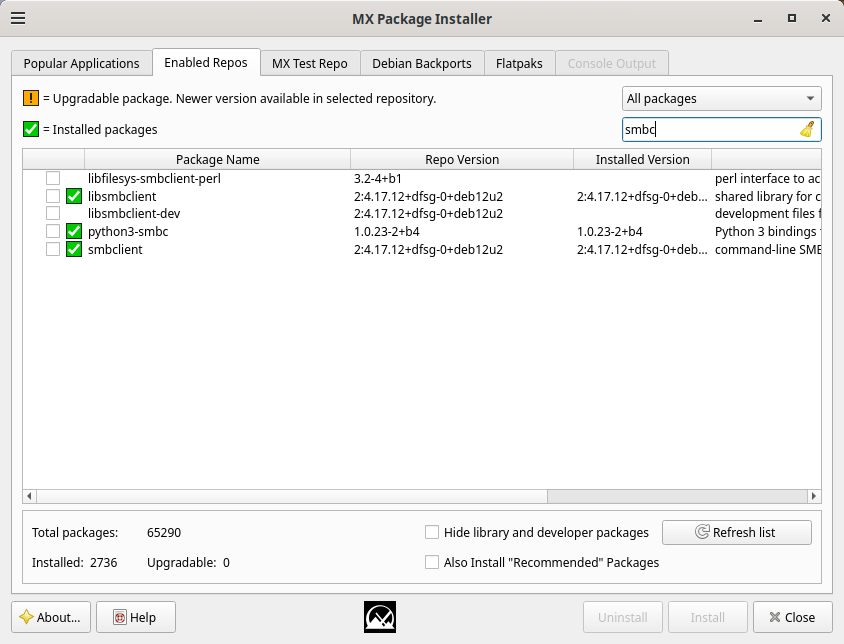
In for a penny, in for a pound.
You Still Can’t Connect
Once you get everything installed and configured, you reboot your MX Linux machine and machines on your local network cannot connect. If they cannot see your machine it is because you forgot to change Workgroup to WORKGROUP or whatever non-standard workgroup name you chose. That, of course requires another reboot.

The GUI tool for creating Samba Shares doesn’t open the machine to incoming connections. Despite the GUI looking nice, I don’t like it. You have to really know what you are doing to edit Rules. There is a nice looking GUI but it’s not nice like a check box for “allow CIFS” and “allow Samba.” Having Allow, Reject, Deny for your zone combo box doesn’t fill me with warm and fuzzies. Makes it sound like
Russia, China, North Korea and every other deviant country, come steal my identity and money!
Admittedly you have to search online, but with CachyOS and other Arch based distros
# as root if running UFW
ufw allow CIFS
ufw allow Samba

# as root if running firewalld
firewall-cmd --permanent --add-service={samba,samba-client,samba-dc} --zone=home
What would be really nice is if the GUI tool for creating Samba Shares would allow CIFS and Samba when you create your first share and Deny it when the last share was deleted.